
NVIDIA has fixed 114 security holes in its graphics card drivers in one go. The company put out the list on 30 September 2026, in a security bulletin numbered 5861. If you've got an NVIDIA card in a Windows PC or a Linux machine, this one's about you. Most of the bugs need someone who's already on your computer to use them, so it isn't a story about strangers breaking in over the internet. But they're the kind of bugs that turn a small foothold into full control, and the fix is simple. Update your driver.
Let's start with the words. A GPU is the graphics chip on your card. The GPU driver is the software that lets Windows or Linux talk to that chip, so games, video and AI tools can use it. Each security hole gets an ID called a CVE, which is just a public tracking number, like CVE-2026-47601. And each one gets a CVSS score out of 10, which is the industry's rough way of saying how bad a bug is. NVIDIA's numbers here run from CVE-2026-47489 to CVE-2026-47604. That range has room for 116, but two numbers in it are skipped, which is how you land on 114.
Here's how I'm going to take you through it. First, what NVIDIA actually published. Then what a driver bug like this means in plain terms, and why "local" matters so much. Then the patterns in the pile, a handful of the bugs in NVIDIA's own words, and the exact version numbers you need, set out in tables so you don't have to squint. After that, who found the bugs, what to do now, and how to read the scores without getting lost.
What NVIDIA put out on 30 September
The bulletin is called Security Bulletin: GPU Display Driver – September 2026. It sits on NVIDIA's product security page on GitHub, and it's also linked from the company's main security site. It's version 1.0.0, the first release, dated 30 September 2026. The copy online today matches, word for word, the one I checked the numbers against.
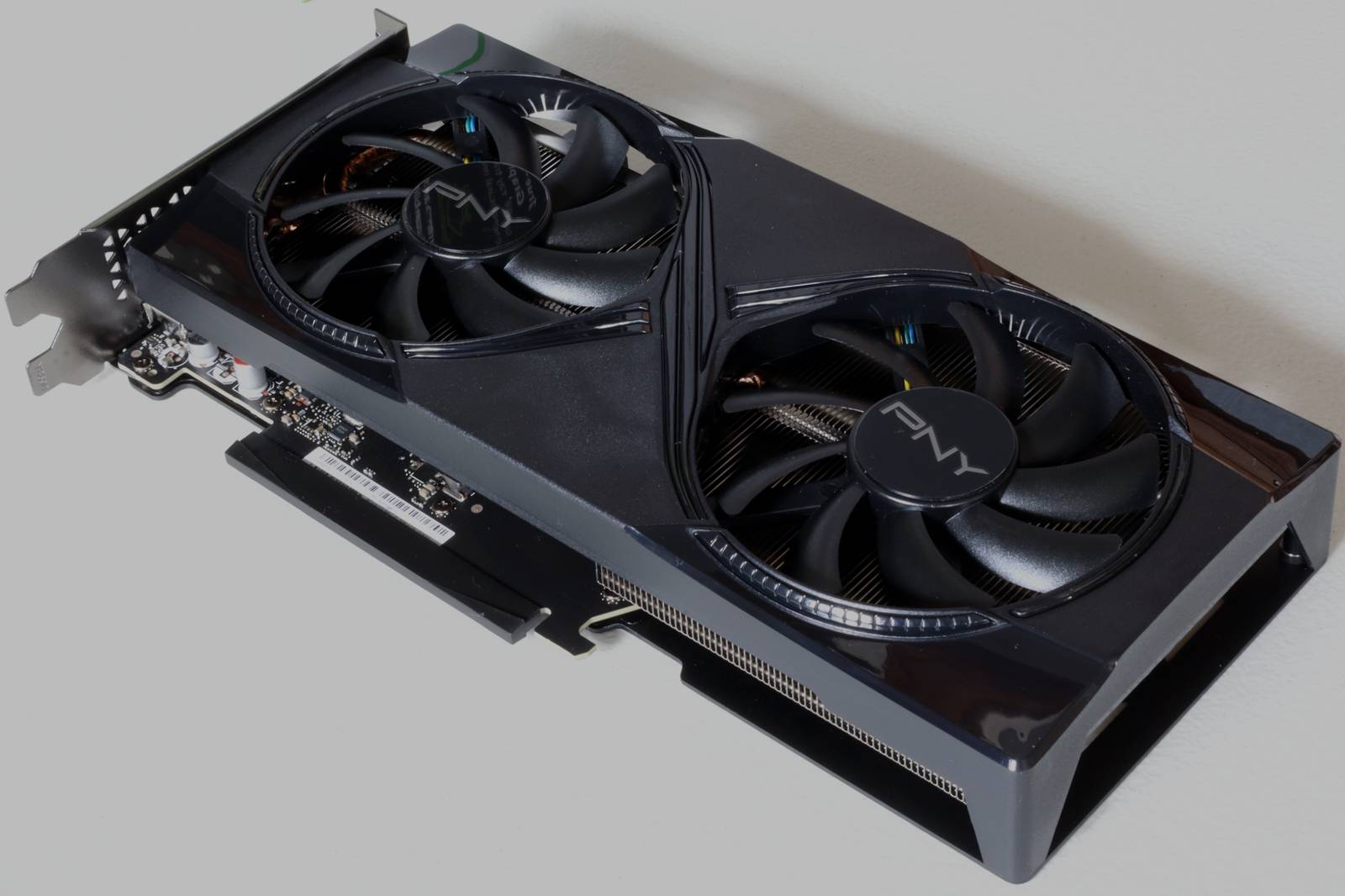
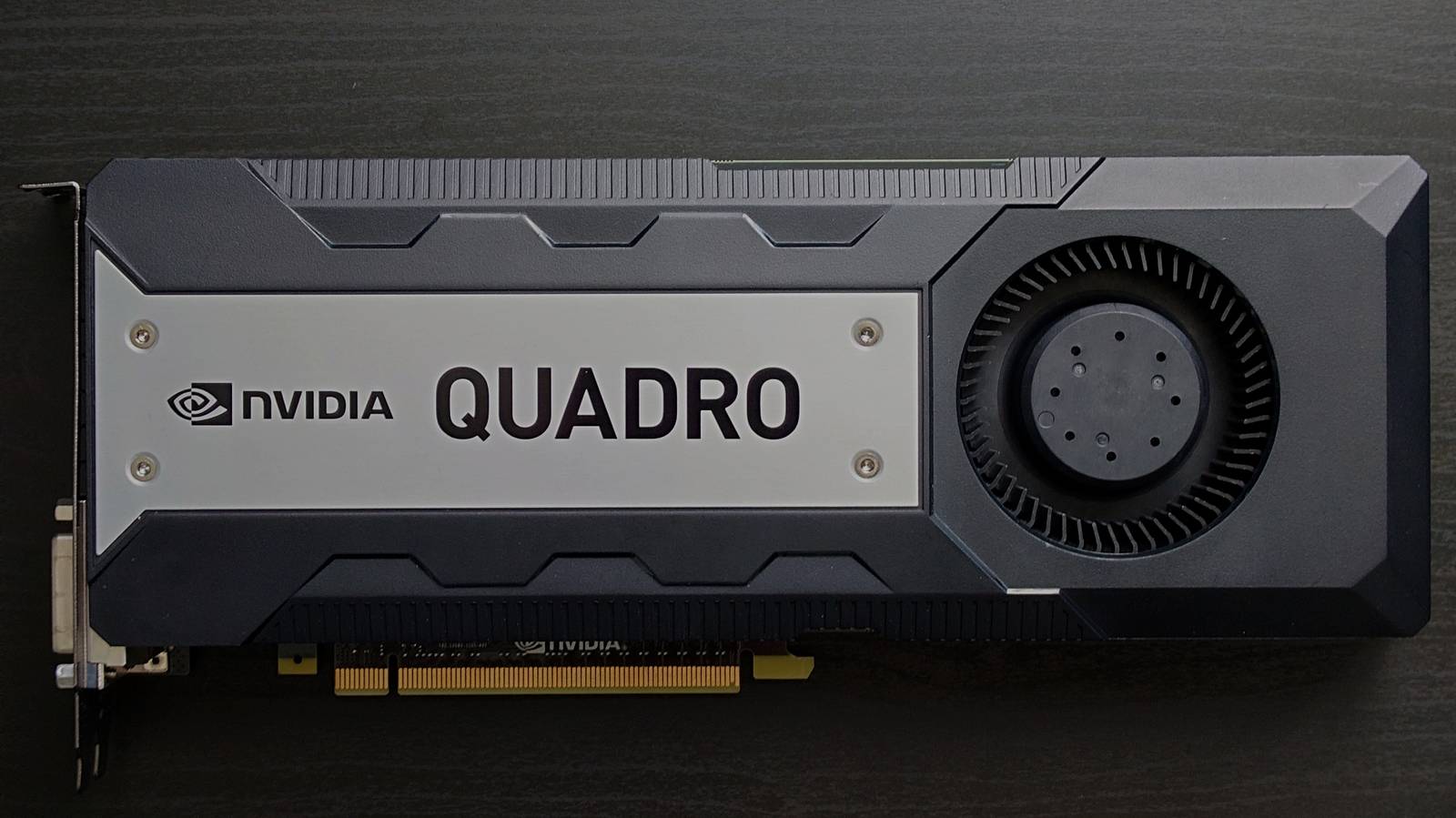
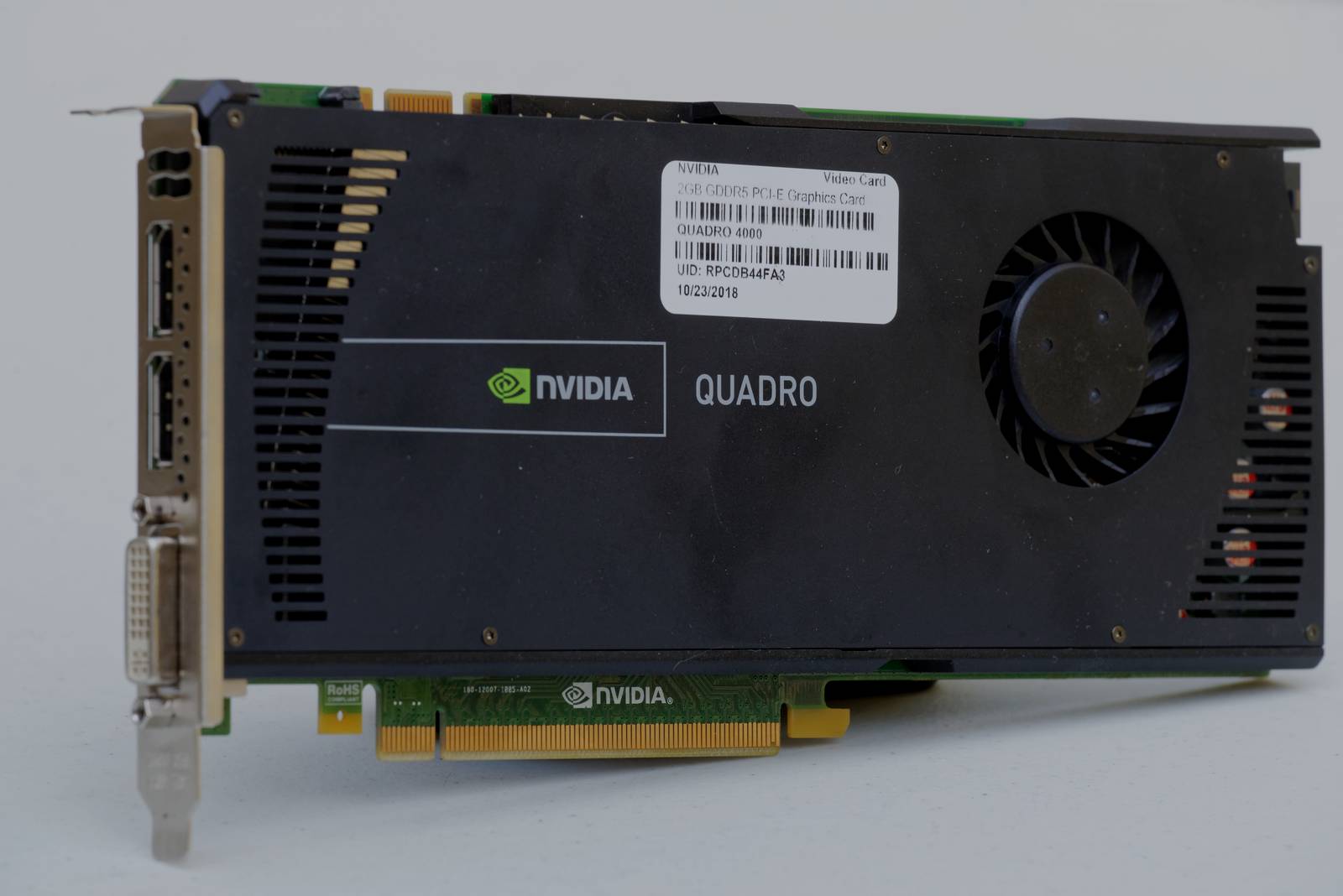
It covers more than the drivers on gaming PCs. There are GeForce cards, which is NVIDIA's gaming range. There's the NVIDIA RTX, Quadro and NVS line, which is the professional workstation range. There are Tesla data-centre cards. And there's NVIDIA's vGPU software, which lets one physical graphics card be shared between several virtual machines, the way cloud companies and big offices do it. That split matters later, because the version you need depends on which of those you've got.
The first big table lists every bug. Each row has the CVE number, a short description, the score, a severity word, the type of mistake and what an attacker could do with it. I counted the rows with a script rather than by eye. There are 114, and every ID appears once. NVIDIA calls 78 of them HIGH and 36 MEDIUM. None are rated CRITICAL, the top level.
Most of them hit the everyday drivers. My count of the fix tables shows 98 of the 114 apply to GeForce drivers. Eighty of those apply to GeForce on Linux and 68 to GeForce on Windows, with plenty landing on both. The other 16 only touch the vGPU software.
Right under the table, NVIDIA adds a warning you should keep next to every score. Its rating "is based on an average of risk across a diverse set of installed systems and might not represent the true risk to your local installation." In other words, the score is a starting point. Your own setup decides how much it matters.
So that's the headline. One bulletin, a three-figure count, mostly serious bugs that need local access, and a set of fixed driver versions you can check against.
What a driver bug like this means
You might think of a graphics driver as the thing that draws pictures. It does a lot more than that. On Windows and Linux, a big chunk of NVIDIA's driver runs inside the kernel. The kernel is the core of the operating system, the part with the keys to everything. It decides which program gets which bit of memory, and it's supposed to keep programs from poking at each other.
NVIDIA's kernel code has a busy job. It hands out graphics memory, moves data straight between the card and the computer's main memory, takes requests from ordinary apps and talks to the small processors on the card itself. When that code checks a size wrong, uses a chunk of memory after it's been handed back, or lets something write to memory that was meant to be read-only, you don't just get a crashed game. You get a crack in the wall between an ordinary user and the kernel.
That's what security people call privilege escalation. Someone who can already run a program as a normal user finds a way to become the boss of the machine. That's usually SYSTEM on Windows, or root on Linux. The "already" bit is the key. These aren't bugs where anyone on the internet takes over your PC. They're bugs where someone who's already got a foot in the door, maybe through a dodgy download or a stolen login, can kick it wide open.
On a laptop only you use, that still matters if malware ever runs as you. It matters more on a shared computer. Think of a uni computer lab, an office machine several people log into, a server that builds software for a team, or a cloud computer rented out to lots of customers at once. If someone takes over the kernel, they can read whatever secrets the machine holds and quietly stay there.
NVIDIA's descriptions use a short list of bug types over and over. There's use-after-free, which means the code keeps using memory after it's given it back. There's out-of-bounds write and read, which means reaching past the end of a block of memory. There's integer overflow, where a number gets too big and wraps around. And there's type confusion, where the code treats one kind of thing as another. Add in failures to keep memory read-only, missing permission checks and a double-free, where the code hands back the same memory twice. The listed results include code execution, escalation of privileges, denial of service (crashing the machine), information disclosure and data tampering. I'm not going to turn any of that into a how-to.
How the serious ones cluster
You don't need all 78 HIGH bugs in your head. You need the shape of the pile.
Nearly every one is local. Of the 78 HIGH bugs, 77 need the attacker to already be on the machine, and one needs physical access to it. Across all 114, it's 112 local and two physical. None are scored as attacks over a network.
Most of them need very little to get started. In 76 of the HIGH rows, the scoring assumes an ordinary low-privilege user. One needs an attacker who already has high privileges, and one needs no privileges at all. Seventy of the 78 HIGH bugs score 7.8, and that's the typical line in this bulletin. Seventy-three hit the full set of damage, meaning secrets, changes and crashes all rated high. The five that don't score between 7.1 and 7.7.
The descriptions also say which systems are hit. Some say Windows and Linux, some Linux only and some Windows only. A separate group names the vGPU Manager, which is the part that runs on the host machine and shares the card out. Some of those describe a user inside a virtual machine causing trouble for the host. Going by the wording in the descriptions alone, 61 of the 78 HIGH bugs mention Linux and 15 are Windows only. The last two are vGPU Manager bugs that don't name an operating system. That's my tally of the text, not an official NVIDIA figure.
Most of the bugs sit in what NVIDIA calls the kernel mode layer. Four HIGH bugs are in the open-source kernel module, the version of NVIDIA's Linux kernel driver whose code is public. Others are in firmware, the software that runs on the card itself. There's one in NVAPI, a Windows programming interface. The Windows CUDA driver, which runs general computing jobs on the card, has one where a program library can be loaded from a place it shouldn't be. The NGX updater on Linux has one tied to an outdated built-in encryption library. And two are in the GSP, the GPU System Processor, which is a small processor on the card that the vGPU Manager talks to.
If you sort the HIGH bugs by type of mistake, three lead. Out-of-bounds writes come first with 16. Use-after-free is next with 13, then out-of-bounds reads with 12. Behind them there's a long tail of permission slips, type confusion, number overflows and missing checks. They're different bugs, but they come from the same family of memory and permission mistakes.
The four open-source kernel module bugs are worth a closer look, because NVIDIA names that part directly. CVE-2026-47601 is in the DMA-BUF import path, which is how the driver takes in a block of memory shared by another device. The problem there is keeping a read-only buffer read-only. CVE-2026-47599 is a similar permissions slip when memory is set up for direct transfers. CVE-2026-47597 is a use-after-free in the Resource Server's cleanup code. And CVE-2026-47598 is a use-after-free caused by a race between delivering an event and closing a file. That one scores 7.0 because the timing is hard to hit. Two of the four are described as Windows and Linux bugs, and two as Linux only.
A few of the bugs, in NVIDIA's words
I won't run through all 78. Here's a sample that shows the range, quoted straight from the bulletin.
CVE-2026-47601, Windows and Linux, scored 7.8. An "unprivileged local user could cause improper preservation of memory access permissions when importing a read-only buffer from another device's DMA-BUF exporter." NVIDIA says a successful attack "might lead to code execution, escalation of privileges, denial of service, information disclosure, and data tampering."
CVE-2026-47561, Linux, scored 7.8. Here "the size of an ioctl input buffer is not validated, allowing an unprivileged caller to trigger an out-of-bounds write in kernel memory." An ioctl is a request an app sends straight to a driver.
CVE-2026-47594, Windows and Linux, scored 7.8. NVIDIA says "an unprivileged user may cause a use-after-free condition by issuing a sequence of driver commands."
CVE-2026-47591, Linux, scored 7.8. Here "an unprivileged user could bypass read-only memory protection due to incorrect authorization, enabling write access to memory marked read-only."
CVE-2026-47514, Windows and Linux, scored 7.8. The bulletin says "a user could cause exposure of kernel stack contents including return addresses and pointers." That's the kind of leak that helps an attacker aim a second bug.
CVE-2026-47503, Linux, scored 7.8. This one is in the vGPU plugin, where "a guest VM user may cause an out-of-bounds write by sending a crafted RPC message with invalid performance state list size parameters." In plain terms, someone inside one virtual machine sends a bad message to the host. That's the shared cloud server version of the same problem.
CVE-2026-47570, Windows, scored 7.8. In the CUDA driver, "an attacker could cause a library to be loaded from an uncontrolled search path." It's a different kind of bug from the memory mix-ups, but it scores the same.
Don't treat the MEDIUM half as a free pass. Sixteen of the 36 score 6.7. They need an attacker who already has high privileges, but they list the same code execution results. Most of the rest are crashes or leaks scoring 5.5 or 4.4, with a few at 6.4 and 6.0. The fixes cover them all. The severity words tell you what to worry about first, not what to skip.
The version numbers you need
This is the part to keep. NVIDIA's second big table lists, for every bug, which products and systems are hit and which driver version fixes it. For the regular drivers, the affected versions are described the same way every time: all driver versions before the fixed one.
One more word first. NVIDIA ships its drivers in branches, which are parallel release lines it keeps patching side by side. They have names like R580 or R615. The fixed version depends on which branch you're on, so find your branch, then find your number. I checked every row of the table with a script, so each number below is the one NVIDIA lists for every bug on that line, unless I say otherwise.
Linux: GeForce, NVIDIA RTX/Quadro/NVS and Tesla
On Linux it's simple. The same four numbers apply to all three product families.
| Branch | Update to at least |
|---|---|
| R615 | 615.71.09 |
| R610 | 610.57.04 |
| R595 | 595.91.07 |
| R580 | 580.178.04 |
If you're on Linux and want to know what you're running, typing nvidia-smi in a terminal shows your driver version. The real test is whether that number is at or above the one in the table for your branch.
Windows
Windows is messier, because the number changes with the product family as well as the branch.
| Branch | GeForce | NVIDIA RTX, Quadro, NVS | Tesla |
|---|---|---|---|
| R615 | 616.56 | 616.92 | 616.92 |
| R610 | 610.88 | 610.88 | 610.88 |
| R595 | not listed | 596.86 | 596.86 |
| R580 | 582.78 | 582.78 | 596.86 |
A few notes on that table. For GeForce on the Windows R580 branch, NVIDIA says only cards built on its older Maxwell, Volta and Pascal designs are affected. For Tesla on R580, the fix NVIDIA lists is 596.86, the same number as R595. And there's one place where the bulletin doesn't agree with itself. On the GeForce R610 line, it lists 610.88 as the fix for two of the bugs, CVE-2026-47603 and CVE-2026-47604, but 610.60 for the other 66. If you want every fix on that line, 610.88 is the safe number.
There's another wrinkle for Windows. NVIDIA's notes say: "Your computer hardware vendor might provide you with Windows GPU display driver versions including 610.60, 596.71, and 582.67, which also contain the security updates." So if your laptop maker ships its own driver package, you might be covered at a number that isn't in the main table. Check your PC maker's support page as well as NVIDIA's table.
vGPU: shared graphics cards
If you run virtual machines on shared NVIDIA cards, there are two pieces to update. The guest driver runs inside each virtual machine. The Virtual GPU Manager runs on the host machine underneath. They have different numbers, so don't mix them up.
| Piece | vGPU 19 (fixed in 19.6) | vGPU 20 (fixed in 20.2) |
|---|---|---|
| Guest driver, Linux | 580.178.04 | 595.91.07 |
| Guest driver, Windows | 582.78 | 596.86 |
| Virtual GPU Manager on XenServer, VMware vSphere, Red Hat Enterprise Linux KVM and Ubuntu | 580.178.05 | 595.91.04 |
| Virtual GPU Manager on Azure Local and Windows Server | 582.78 | 596.84 |
The affected versions are everything up to and including vGPU 19.5 and vGPU 20.1. Watch the endings. The Linux manager on vGPU 19 is 580.178.05, while the Linux guest driver on the same release is 580.178.04. They're one digit apart and they're not the same thing.
NVIDIA also says its tables "might not be a comprehensive list of all affected supported versions or branch releases," and might be updated as it learns more. And it warns that older branches might be affected too. "If you are using an earlier branch release for which an update version is not listed above, upgrade to the latest branch release." The same warning appears for vGPU.
GamingOnLinux, a Linux gaming news site, reported the bulletin the same day. Its owner, Liam Squires-Hand, listed the same four Linux version numbers, 615.71.09, 610.57.04, 595.91.07 and 580.178.04, along with the bugs that affect Linux. The numbers match NVIDIA's.
Who found the bugs
NVIDIA credits named people or teams for 39 of the 114 bugs. For the other 75, it says: "All unacknowledged CVEs were found internally." So this isn't a pile of outside discoveries. It's a mix of outside researchers and NVIDIA's own staff. Six of the 39 credits go to Maxime Villard of NVIDIA Product Security.
Here are the credits as NVIDIA lists them.
- CVE-2026-47601: Li Qiang, Luo Ding, Xu Liangjun, Xiaomi ShadowBlade Security Lab
- CVE-2026-47599: Ziyi Guo
- CVE-2026-47597: Daniel Cohen Hillel (@0xDACA)
- CVE-2026-47595 and CVE-2026-47560: Ji'an Zhou, Lei Lu
- CVE-2026-47594, CVE-2026-47592, CVE-2026-47590 and CVE-2026-47589: Aleksandar Nikolic
- CVE-2026-47593: 陳宥升
- CVE-2026-47591, CVE-2026-47563 and CVE-2026-47559: junghyunpark2001
- CVE-2026-47588: Aleksandar Nikolic, Chompie, pumpkin_chang
- CVE-2026-47587: Faisal Tameesh
- CVE-2026-47569, CVE-2026-47568, CVE-2026-47567 and CVE-2026-47562: J.B. Moore
- CVE-2026-47558: pumpkin_chang
- CVE-2026-47556: StellVS
- CVE-2026-47551: Ji'an Zhou, Lei Lu, Hải Sơn Mai
- CVE-2026-47550: mitesh5555
- CVE-2026-47505, CVE-2026-47549 and CVE-2026-47506: Matvej
- CVE-2026-47503, CVE-2026-47499, CVE-2026-47498, CVE-2026-47497, CVE-2026-47495 and CVE-2026-47496: Maxime Villard, NVIDIA Product Security
- CVE-2026-47494: JunDong Xie (antgroup)
- CVE-2026-47602: TrendAI Zero Day Initiative
- CVE-2026-47598: shunsheng_li
- CVE-2026-47604: 노시현
- CVE-2026-47603 and CVE-2026-47492: Sihyun Roh and Byoungyoung Lee from Compsec, SNU
- CVE-2026-47557: Thomas Pitt
If a name isn't on that list, NVIDIA hasn't credited anyone outside, and I'm not going to guess.
What to do if you use these drivers
First, work out what you've got. A GeForce gaming card, a professional RTX or Quadro card, a Tesla data-centre card, a vGPU guest or a vGPU host are all different rows in NVIDIA's table. Then find your branch.
Second, update. On Linux, get to at least 615.71.09, 610.57.04, 595.91.07 or 580.178.04, depending on your branch. Inside a vGPU virtual machine, use the guest numbers in the table above. On Windows, use the table for your product family. If your PC maker supplies the driver, check whether it's already shipped one of the versions NVIDIA names for that, 610.60, 596.71 or 582.67.
Third, if you're on an older branch with no fixed version listed, NVIDIA's advice is to move to the latest branch. Don't wait for a patch on the old line that might never come.
Fourth, if you run shared graphics servers or virtual desktops, put the vGPU Manager fixes near the top of the list. The reason those bugs are in the bulletin is that a guest could cause trouble for the host.
And fifth, there's no workaround that replaces the update. NVIDIA's fix is the new driver.
Why a driver bulletin this big matters
Graphics drivers sit right on the line between ordinary apps and the core of the computer. Apps want fast access to a device that can reach straight into the computer's memory. Cloud companies want to split one card between many customers. Laptops need power saving and screens that plug in and out. Every one of those jobs pushes more code into the kernel and into the card's own firmware. Every new doorway is another place where a missed size check or a stale pointer turns into a way past the guards.
Look at bulletin 5861 that way and the 114 stops looking random. It looks like a long backlog of memory and permission mistakes being cleared out at once, across NVIDIA's closed and open-source kernel code, Windows, Linux, the DMA-BUF sharing path and the vGPU message system. The fix isn't clever. It's the fixed version on your branch.
Shared machines deserve a second look. When someone inside a virtual machine can send a bad message that writes past the end of a buffer on the host, the risk is about who shares the hardware. When an ordinary user on a workstation can trigger a use-after-free in the kernel, the risk is about shared labs and malware that's already landed. It's the same bulletin, with a different worry depending on how you use it.
It's also why your operating system's updates aren't enough on their own. Microsoft and the Linux distributions patch their own kernels, but NVIDIA's driver usually comes as a separate package, sometimes rebadged by your PC maker. You can be fully up to date on Windows Update or your Linux distribution and still be one old NVIDIA driver away from these bugs.
Containers and sandboxes need the same caution here as with other kernel bugs. A container is a walled-off box for running software, and a sandbox is a similar fence around an app. If the software inside can reach the NVIDIA device, it might be able to reach the buggy code too. Many of these descriptions say an unprivileged local user is enough. You don't need to be the boss of the machine to start. That's the whole point of an escalation bug.
The firmware and GSP bugs widen things further. A guest that can reach the Virtual GPU Manager with a bad message is a different threat from a desktop user hitting a use-after-free in the local driver. Both are in 5861, and both have fixed versions.
How to read the score strings
Every bug in the bulletin comes with a string like AV:L/AC:L/PR:L/UI:N/S:U/C:H/I:H/A:H. It looks like noise, but it's a short code. AV:L means the attacker has to be on the machine. AC:L means the attack isn't hard to pull off. PR:L means a low-privilege account is enough. UI:N means nobody else has to click anything. S:U means the damage stays within the part that's broken. And C:H, I:H and A:H mean high impact on secrets, on changing data and on keeping the machine running. That's the string behind the typical 7.8 here.
When you see AC:H, the attack is harder. Races often land here, like the event delivery and file close race in CVE-2026-47598. Four of the HIGH bugs have it. PR:H means the attacker already needs a privileged account. AV:P means they need to physically touch the machine. And when S:U becomes S:C, for "changed", the damage can spill past a security boundary. Three HIGH bugs carry that, and they're worth extra attention on shared systems.
None of this replaces the decision to update. It just tells you which bugs to worry about first. A 5.5 MEDIUM crash bug can still knock over a graphics server you care about. And a 7.8 use-after-free that can hand someone control of the machine is exactly why these fixed versions exist.
Where this leaves you
NVIDIA hasn't said any of these bugs are being used in attacks. What it has put out is a single September bulletin with 114 fixes, mostly serious bugs that need local access, credits for 39 of them and fixed versions for Linux, Windows and vGPU. Keep the four Linux numbers handy, and check your PC maker's driver if you're on Windows. Remember this is about someone who's already on the machine, not a worm racing across the internet. Then update the branch you actually run.

The paper
Comments
No notes on this story yet.
Sign in to comment