How-to Desk
How to get your home ready for SA storms
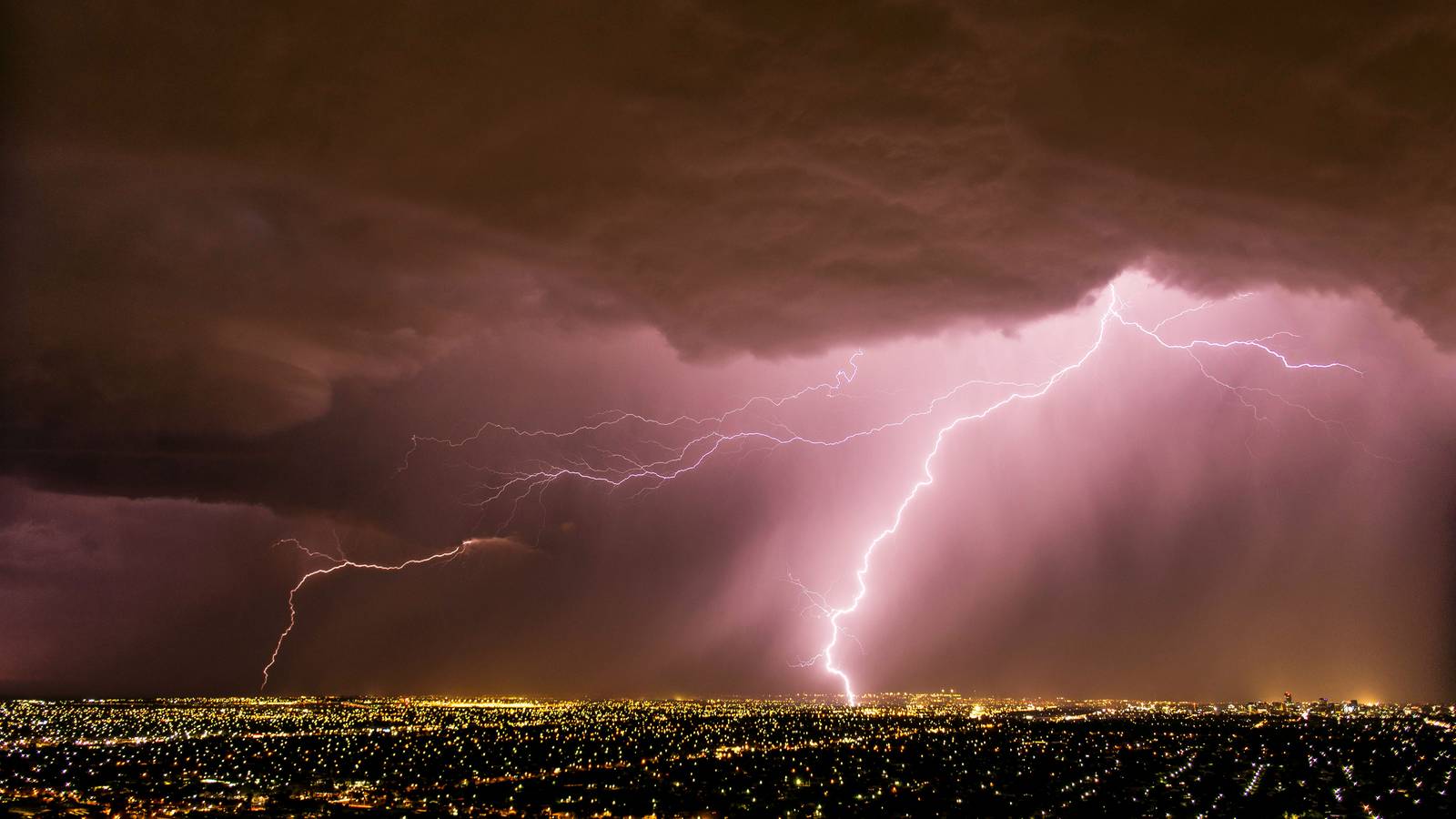
South Australia's storm season has started early and loud. On Saturday the Bureau of Meteorology put out severe thunderstorm warnings across the north of the state, and wind gauges at Port Augusta and Oodnadatta clocked gusts in the high 90s.
Latest in How-to
How to check a supplier's new bank details before you pay
Victoria Police says it has had 107 reports of email payment scams since July. Here's how to verify changed bank details, step by step.How to stop your Suncorp loan repayment jumping at ANZ
Suncorp warned home loan customers on 13 October that their minimum repayment could rise at ANZ. Here's how to check yours and keep it steady.How to spot a fake shopping site before Black Friday
Black Friday is 27 November, and Scamwatch says scammers target festive shoppers. How to check a store, its business number and how you pay.How to set up a digital legacy for Apple and Google
Apple and Google both let you pick who gets your photos and files after you die. How to set up a Legacy Contact and Inactive Account Manager.How to run Chrome's Safety Check and tighten privacy
Chrome 154 arrived on 1 October with 11 security fixes. How to update, run Safety Check, choose a Safe Browsing level and clear browsing data.How to move to a new phone and wipe the old one
Apple says some Android 17 phones can now switch to iPhone without its app. How to move your data between phones and wipe the old one safely.How to lock down your WhatsApp privacy settings
WhatsApp is upgrading its two-step PIN to a password. How to set that up and use Privacy Checkup to control calls, groups and who sees you.How to lock down your Apple Account
Two-factor authentication is the default for most Apple Accounts. How to check your device list, add a recovery contact and decide on a recovery key.How to check every protection in Windows Security
Windows 11 26H2 began rolling out on 29 September. How to check Windows Security for ransomware protection, memory integrity and phishing alerts.How to check your Mac's security settings
Apple's update page now lists macOS 27 Golden Gate. How to update your Mac, then check FileVault, the firewall, the lock screen and app access.How to check if your email was in a data breach
Have I Been Pwned listed more than 17.8 billion breached addresses as of 17 October 2026. How to search yours, get alerts and act on a hit.How to cancel subscriptions on iPhone and Android
Deleting an app doesn't cancel its subscription, Google says. How to find and cancel what you pay for on iPhone, Android and your bank account.How to ask a company what personal data it holds on you
Australian privacy law lets you see and correct the personal information a business holds on you. How to ask, what it can charge and how to complain.How to use a travel eSIM on your iPhone overseas
A travel eSIM can beat roaming charges, and iOS 26 helps switch it on and off for you. Here's how to check your phone, buy one and set it up.How to lock down your home Wi-Fi router
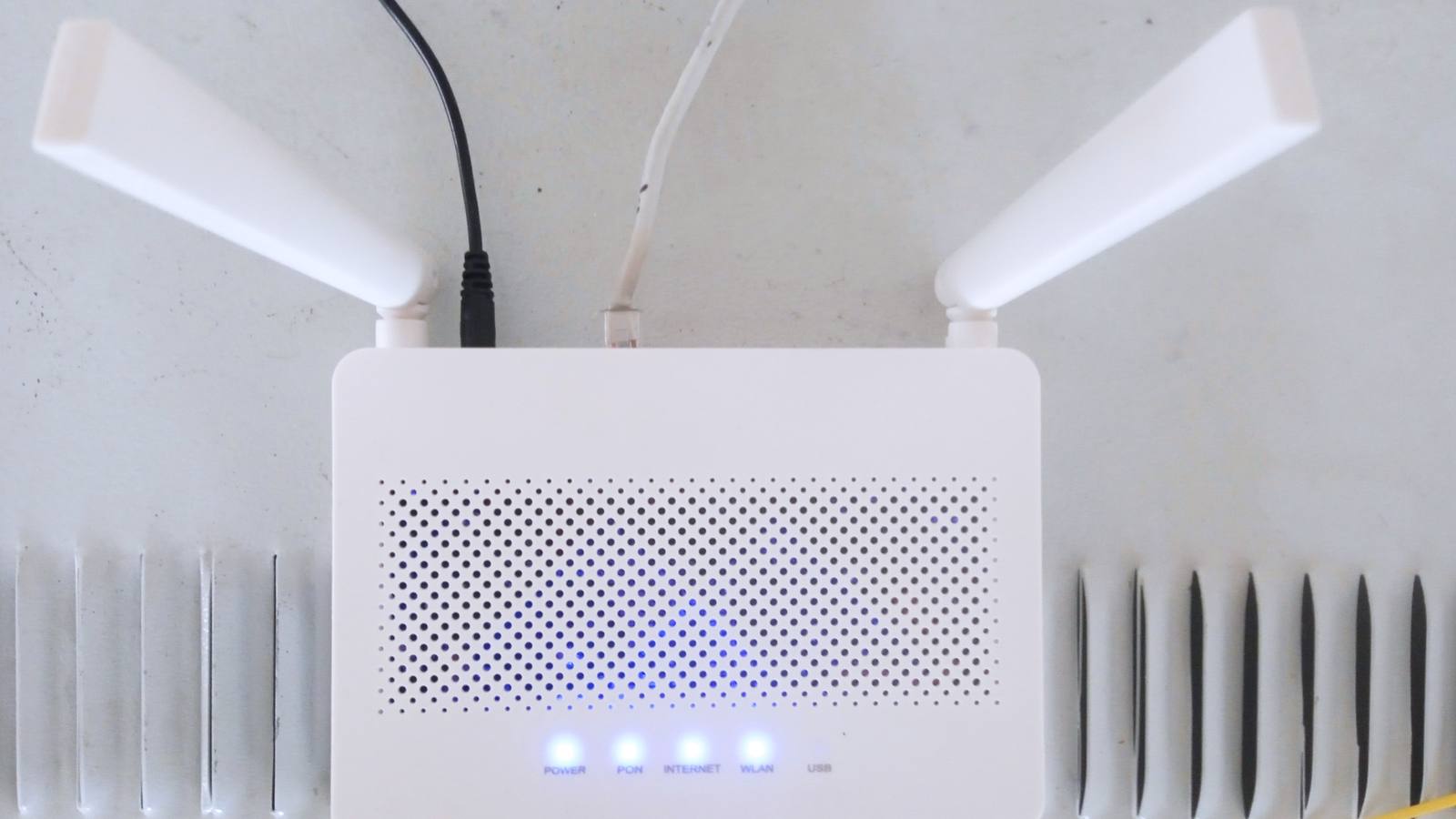
A Chinese botnet hijacked hundreds of thousands of home devices. Here's how to change your router password, update it and switch off risky extras.How to screen scam calls on iPhone and Pixel
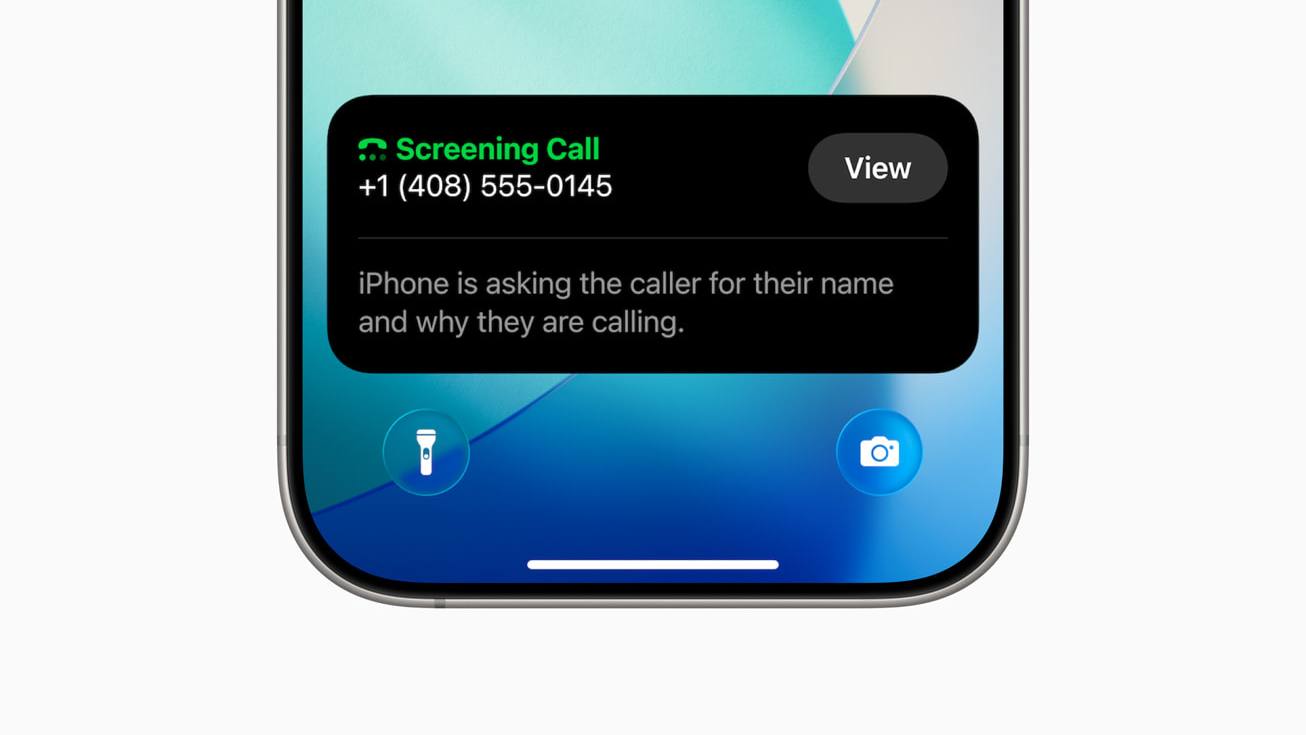
Your phone can now ask unknown callers who they are before it rings. Here's how to set up call screening on iPhone and Pixel, and what Do Not Call does.How to move your passwords into Apple's Passwords app
Apple's free Passwords app can import logins from other managers and flag weak or leaked ones. Here's how to switch, clean up and stay synced.How to lock down your Google account and Gmail
Your Gmail is the key to every password reset. Here's how to run Security Checkup, add a passkey, use stronger 2-Step Verification and keep backup codes.How to delete your Alexa recordings and tighten privacy
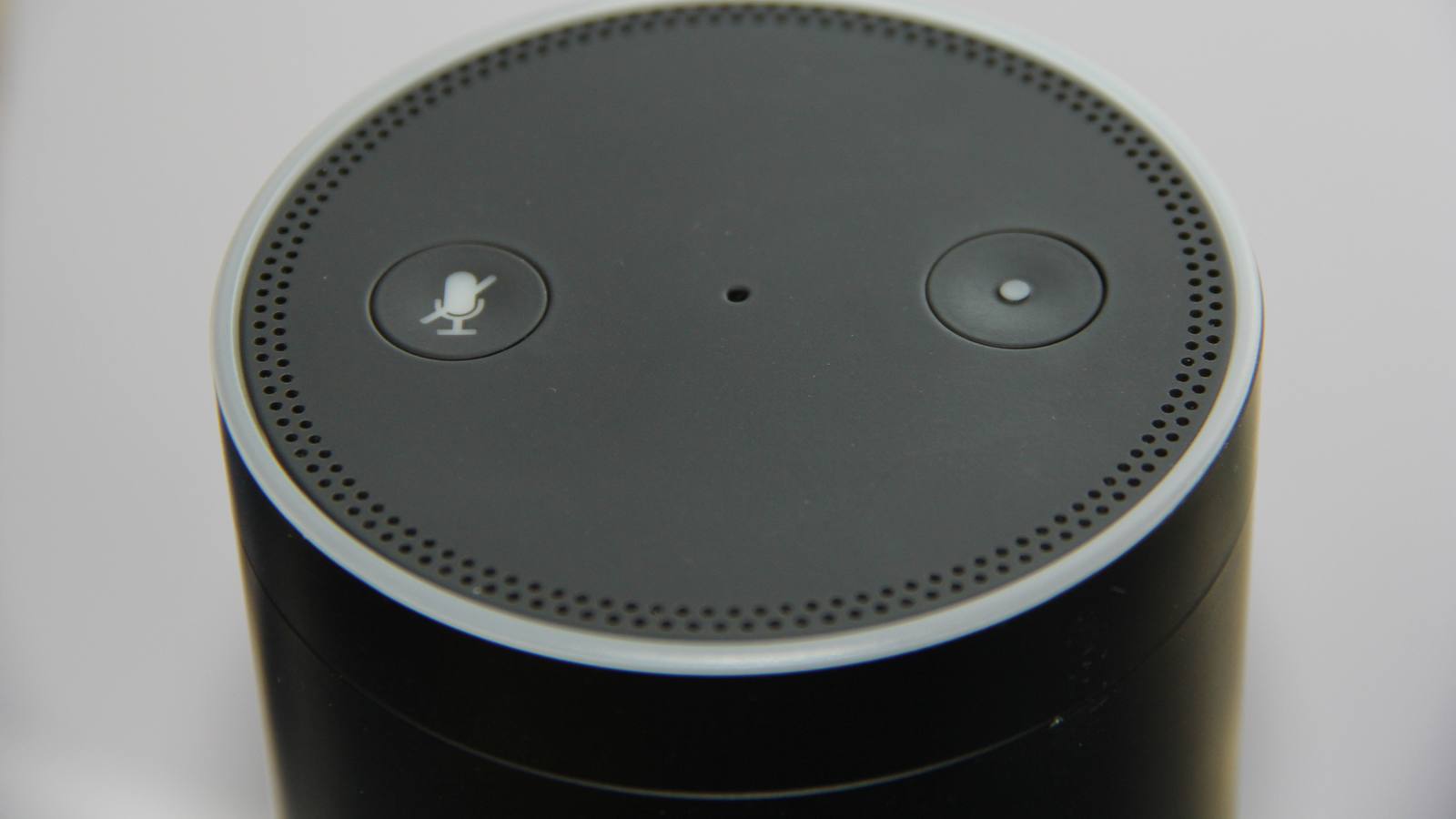
Alexa keeps recordings of what you ask it unless you change the setting. Here's how to review, auto-delete or stop saving them, and mute the mics.