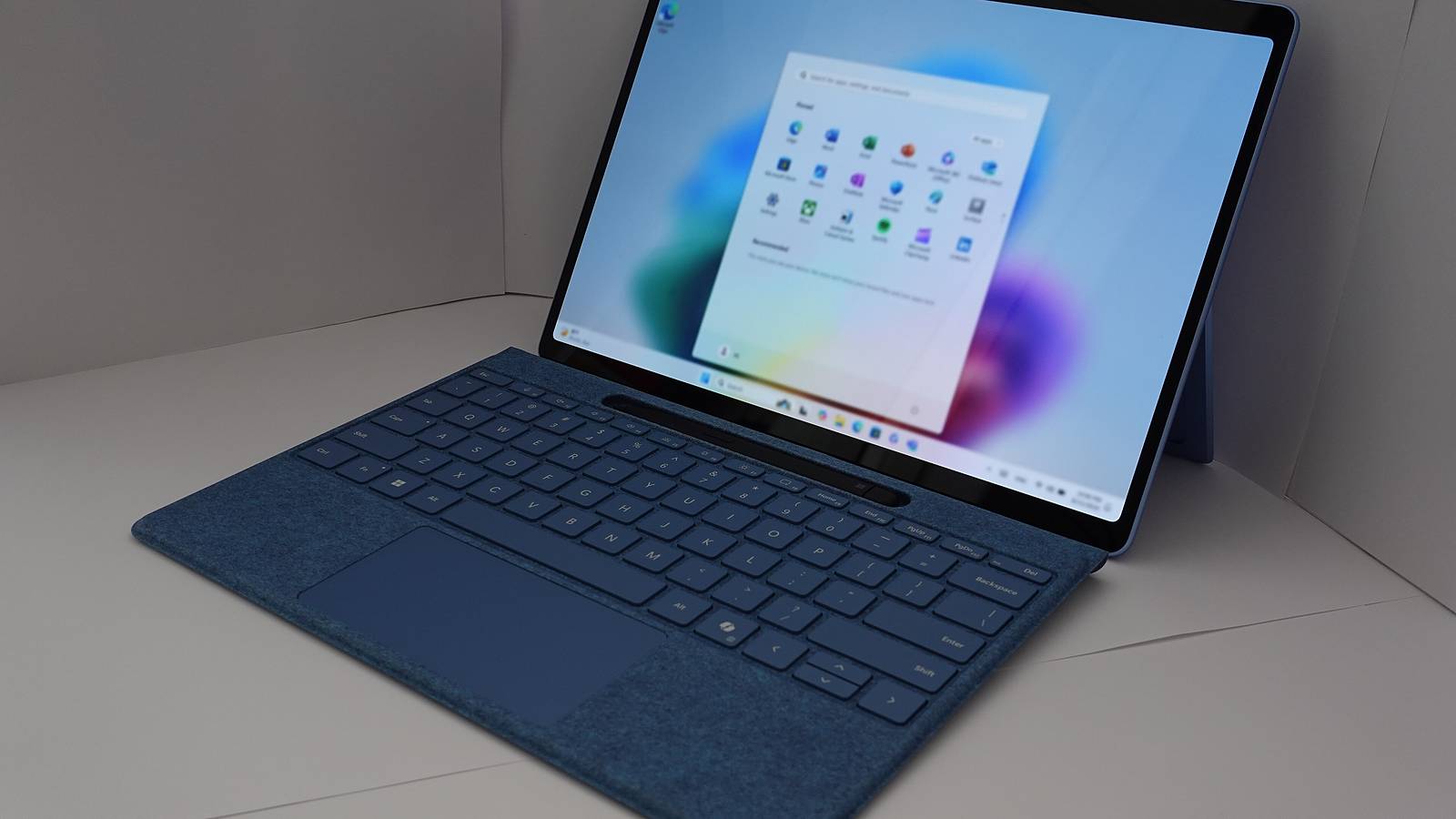

Microsoft's started rolling out Windows 11 version 26H2, also called the Windows 11 2026 Update. For most PCs already on Windows 11 24H2 or 25H2, it goes on like a monthly patch, with a small download and one restart. It also resets the support clock to 24 months for Home and Pro.
Microsoft announced it on 29 September in a Windows Experience Blog post by John Cable, vice president of product management for Windows servicing and delivery. It's a controlled rollout, so not every eligible PC will get it straight away.
Small download, one restart
The quick install is the whole point. Windows 11 24H2, 25H2 and 26H2 share one servicing branch and one codebase. Most of what's in 26H2 has already landed on your PC through the monthly updates. The feature update is an enablement package, basically a small switch that turns all those pieces on.
"For many eligible devices, moving to version 26H2 is as simple as installing a small enablement package, allowing people to start using this new release with minimal download size, quick installation, and a single restart," Cable wrote.
Microsoft's support pages list the package as KB5121794. If you're coming from an older Windows 11 version on a different servicing branch, like 22H2 or 23H2, TechPowerUp reports that 26H2 arrives as a full feature update instead.
If you want it early, open Settings, go to Windows Update, and turn on "Get the latest updates as soon as they're available". Once your PC's eligible, you'll see the option to download and install 26H2. Microsoft says it may put safeguard holds on devices where it spots a known compatibility problem, and it'll post progress on the Windows release health hub.
What's actually new
If you've kept Windows 11 up to date, you've probably seen plenty of this already. Microsoft's What's new page for IT pros collects everything that's arrived since 25H2, and it's a long list.
The Start menu's been redesigned, with a scrollable All section and category and grid views. You can pick its size and show or hide the Pinned, Recent and All sections one by one. The taskbar can now sit at the bottom, top, left or right of the screen, and there's a smaller taskbar option.
Windows Search copes better with typos and half-typed app names. It previews results without opening them, and it labels whether a result is an app, setting, file, web result or Store suggestion. Windows can also automatically index folders you use a lot, a setting you can manage under Privacy and security.
File Explorer opens faster, remembers your view and sort choices in folders like Downloads, and handles more archive formats, including uu, cpio, xar and NuGet packages. Some AI actions there, like summarising files in OneDrive and SharePoint, need a Microsoft 365 subscription and a Copilot licence.
Point-in-time restore can roll a PC back, apps, settings and personal files included, to a recent automatic restore point. Windows Update now tries to bundle eligible updates with the monthly security update, so you get fewer restarts. And if you put a PC to sleep yourself, it goes back to sleep after an update finishes.
There are fixes for everyday annoyances too. Microsoft lists better Bluetooth reliability, including for LE Audio, voice calls and reconnecting after hibernation. Displays on USB4 docks and hubs should behave better when a PC wakes from standby. Task Manager adds optional columns showing NPU usage on PCs with a neural processor.
Accessibility gets proper attention. Narrator adds Braille Viewer, which shows on-screen text next to its Braille version. Magnifier lets you type an exact zoom percentage and add a full-screen colour tint to ease eye strain. Voice access understands more natural commands on Copilot+ PCs and adds French, German, Spanish and Korean.
Quiet security upgrades
Some of the most useful changes won't show up on screen at all. Microsoft says Windows now supports the NIST post-quantum cryptography algorithms ML-KEM and ML-DSA, in line with FIPS 203 and FIPS 204, through its Cryptography Next Generation APIs and .NET.
Windows has also changed how its kernel trusts third-party drivers. Default trust for cross-signed drivers is gone. Drivers from the Windows Hardware Compatibility Program and an allow list of trusted older drivers still get in. Microsoft says Windows audits driver compatibility for at least 100 hours and three restarts before it starts enforcing the rule.
Sysmon, the System Monitor tool security teams use to spot threats, is now built into Windows, though it stays off until you turn it on. Administrator protection, which hands out admin rights just when they're needed instead of all the time, is also there but off by default. Smart App Control can now be switched on or off without a clean install, and Windows supports third-party credential managers for passkeys.
One old tool's gone for good. Microsoft says the Windows Management Instrumentation Command-line, WMIC, has been removed and isn't available as a Feature on Demand anymore.
Who should update
For businesses, 26H2 switches on a few features that had been held back by temporary commercial controls. They're Windows settings backup, app-specific taskbar actions and some File Explorer improvements. Microsoft says policies admins have already set will still apply. Enterprise and Education editions get 36 months of support from this release.
"If your organization is already on Windows 11, version 24H2 or 25H2, the update to 26H2 is similar to a regular monthly update in most environments," Microsoft said, BleepingComputer reported. Microsoft suggests business customers start with targeted rollouts to check apps and devices before going wider.
There's one catch. PCs that shipped with Windows 11 version 26H1, a separate branch for some new devices, can't move to 26H2. "Devices running Windows 11, version 26H1 won't be able to update to version 26H2. Instead, they'll have a path to update to a future Windows release," Microsoft said, BleepingComputer reported.
For everyone else, it's an easy one to take. You'll get a fresh two years of support on Home and Pro, the features you've been waiting for get switched on, and the install shouldn't eat your afternoon. If you're updating anyway, it's a good time to check your graphics driver too, after NVIDIA's fix for 114 driver flaws this week.
The paper
Comments
No notes on this story yet.
Sign in to comment