

Daylight saving starts this Sunday, 4 October, in South Australia, New South Wales, Victoria, Tasmania and the ACT. At 2am standard time, clocks jump forward an hour to 3am, and Adelaide moves from UTC+9:30 to UTC+10:30.
Most phones and computers will look after it themselves, as long as a couple of settings are switched on. Here's how to check them tonight before bed, and what to do about the clocks that won't change on their own.
Who changes, and when
The Reserve Bank's daylight saving page lists the ACT, New South Wales, South Australia, Tasmania and Victoria together. It says daylight saving "starts Sunday, 4 October 2026, 2:00 am" and clocks "are turned forward 1 hour" to 3am. It also notes that the Northern Territory, Queensland and Western Australia don't observe daylight saving.
The SA Government's own daylight saving information, which is run by SafeWork SA, sets out the rule. "Daylight Saving begins with clocks moving forward 1 hour at 2am on the first Sunday in October," it says, and it ends with clocks going back an hour at 3am on the first Sunday in April.
So in South Australia, 1:59am Central Standard Time is followed by 3am Central Daylight Time. You lose an hour of sleep tonight.
The NSW Government's daylight saving page gives the end date for NSW as Sunday 4 April 2027, at 3am, when clocks go back to 2am. Going by the SA rule, that's the first Sunday in April, so it's the same day here.
The bit that catches people out is the interstate gap. Queensland, the Northern Territory and WA don't change, so from Sunday:
- Adelaide is half an hour ahead of Brisbane. Normally it's half an hour behind.
- Adelaide is an hour ahead of Darwin. Normally they're level.
- Perth is two and a half hours behind Adelaide, up from an hour and a half.
- Sydney and Melbourne stay half an hour ahead of Adelaide, because they move too.
If you've got a Monday morning meeting with someone in Brisbane or Darwin, check which time they mean. And if you're driving west, like the trip we laid out in planning the Nullarbor in an EV, the time jump at the border is now bigger.
iPhone, iPad and Mac
Apple's support page on date and time says to use Date & Time settings so your device can "adjust automatically for time zone changes and daylight saving time." On an iPhone or iPad:
- Make sure it's connected to the internet.
- Install any software updates that are waiting.
- Open Settings, tap General, tap Date & Time, then turn on Set Time Automatically.
- Open Settings, tap Privacy & Security, tap Location Services, scroll to the bottom and tap System Services, then turn on Setting Time Zone. Apple says this lets the device use its location to work out the right time zone.
Apple adds one more thing worth knowing. If a message says updated time zone information is available, restart the device and any Apple Watch paired with it.
On a Mac, Apple says to check that Location Services is on, and that in System Services the settings for time zone and system customisation are on. Then open Date & Time settings and make sure both the option to set the time and date automatically and the option to set the time zone automatically are on. Restart the Mac after you change them.
If Set Time Automatically is greyed out, Apple says a Screen Time passcode or a work profile with device restrictions might be why.
Android phones and Windows PCs
Google's Clock app help covers Android phones that use Google's Clock app, including Pixels. Open the Clock app, tap More, then Settings. To keep the time right, tap Change date and time and turn Automatic date and time on. Under Time zone, turn Automatic time zone on. Google notes that "only some devices let you automatically set the time zone," and that your phone may use its location to work it out. Other phone makers can put these settings somewhere else, so if your Clock app looks different, check your phone maker's help pages.
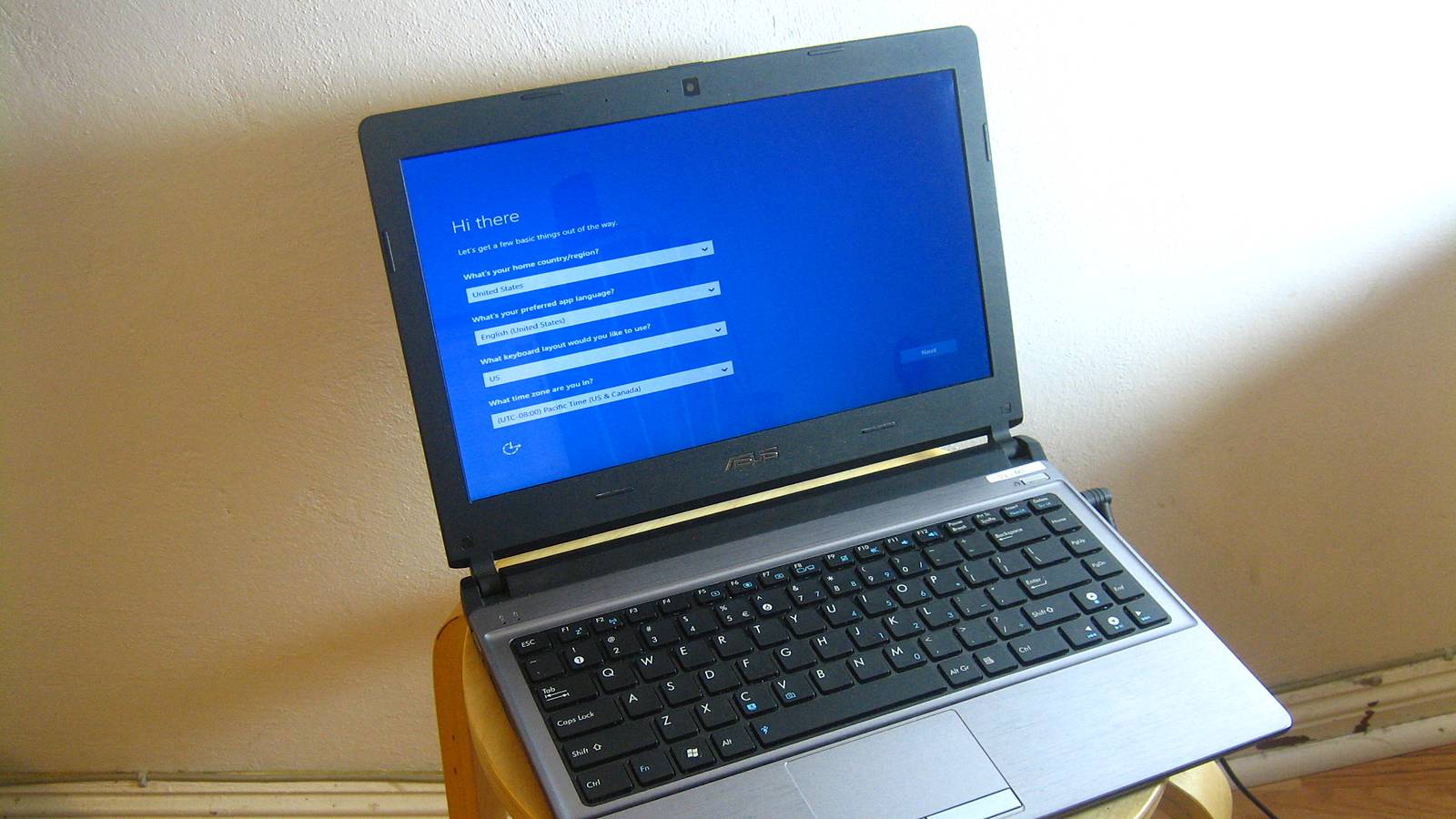
On a Windows PC, Microsoft's time and date support page gives the route. Select Start, then Settings, then Time & language, then Date & time. Then check these:
- Set time automatically should be on.
- If Set time zone automatically is on, Microsoft says "daylight saving time is set automatically."
- If you've turned automatic time zone off, maybe because Windows kept guessing wrong, make sure Adjust for daylight saving time automatically is on instead. Also check the time zone drop-down says Adelaide, not Darwin, because Darwin doesn't change.
That last check matters more than it sounds. Adelaide and Darwin share a clock for half the year, so a PC set to Darwin will look fine right up until Sunday morning.
The clocks that won't change themselves
Anything that isn't online won't know it's daylight saving. That usually means the oven, the microwave, the car, wall clocks, older alarm clocks and plenty of watches. There's no setting to switch on for those. You change them by hand.
The NSW Government's advice is to do it the night before: "set your watch and household clocks that don't automatically update overnight to the new time before you go to bed." That way you wake up to clocks that agree with your phone, instead of finding out at the bakery.
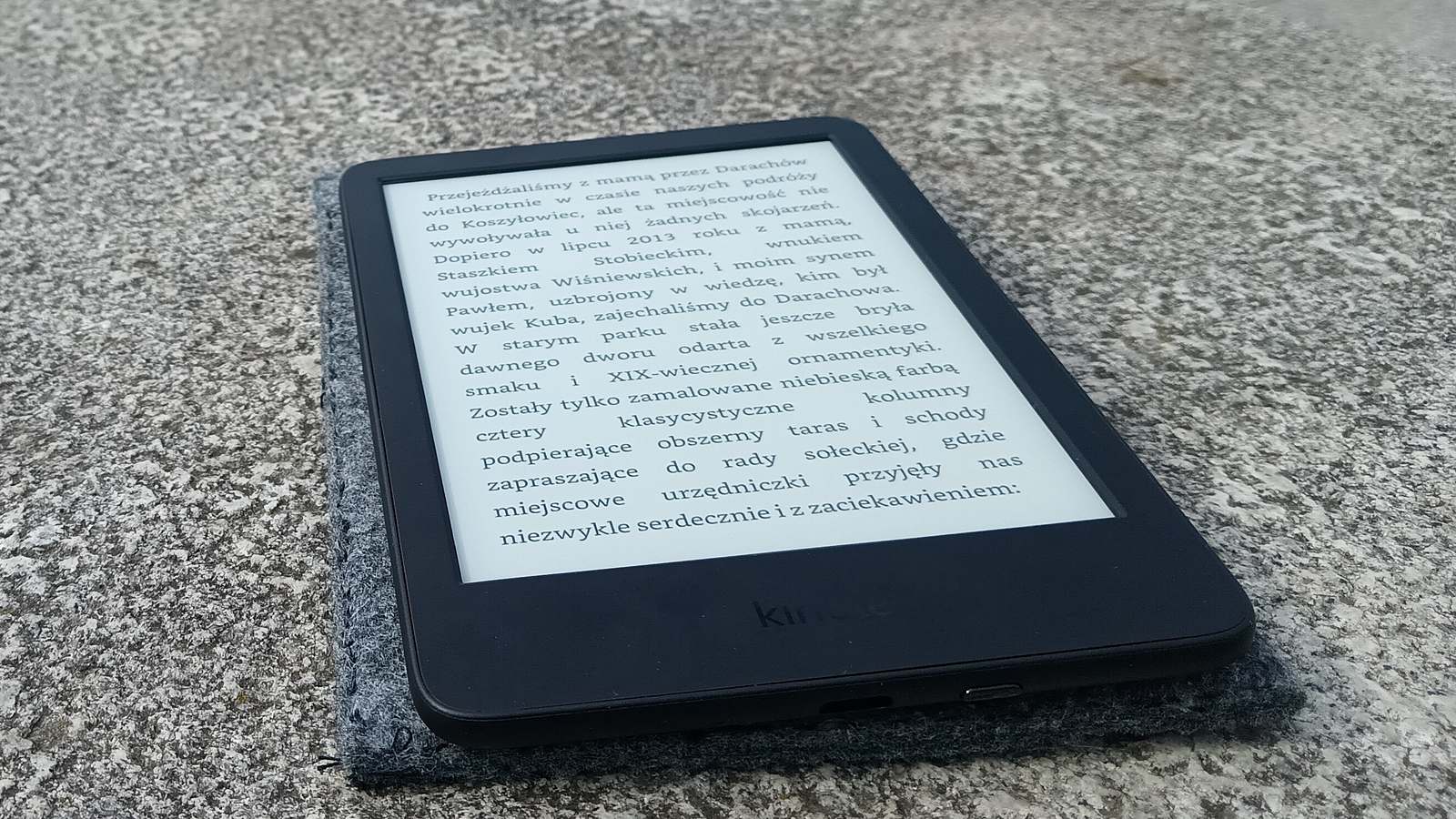
Kindles are worth a look too. Amazon's time-setting page for Kindle e-readers says to connect to Wi-Fi, swipe down to open Quick Actions, select All Settings, then Device Options, then Date and time, and enter the current time if it's wrong. Amazon says a wrong clock can cause problems when you register the device.
Sleep, and Sunday's plans
Losing an hour is the part you can't fix with a setting. The NSW Government suggests shifting your bedtime by 15 minutes a night in the lead-up, getting outside in the morning light to reset your body clock, and keeping your sleep routine steady.
It also says to check with your provider if you're catching a train, bus or plane around the changeover, because daylight saving "may impact train, bus, and flight schedules."
If you've got something early on Sunday, like a flight, a shift or church, set an alarm on a phone you've already checked. And if a device still shows the old time after Sunday morning, Apple, Google and Microsoft all describe the same fallback. Turn automatic time off and set it by hand.

The paper
Comments
No notes on this story yet.
Sign in to comment