Lessons
Forth · Medium
Forth · Medium. Ten lessons. Open-book quizzes. Lesson 1 free.
10 lessons · The Host · Lesson 1 free
Pass all ten lessons for the certificate. Sample · Claim
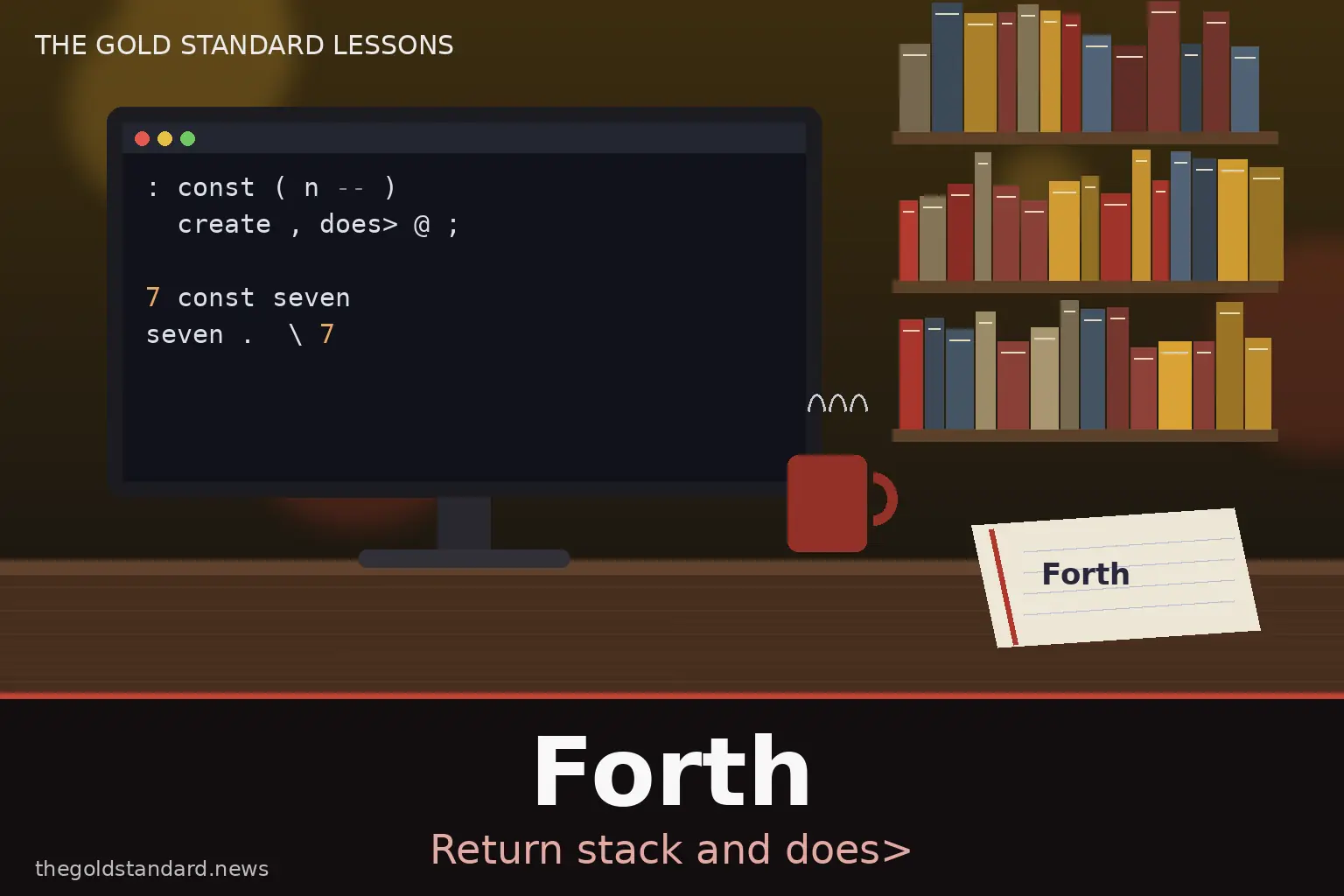
Lesson 1 · On the house
Immediate words and STATE
Mark words immediate so they run while a definition compiles, read STATE to tell compiling from interpreting, and test immediacy with FIND.
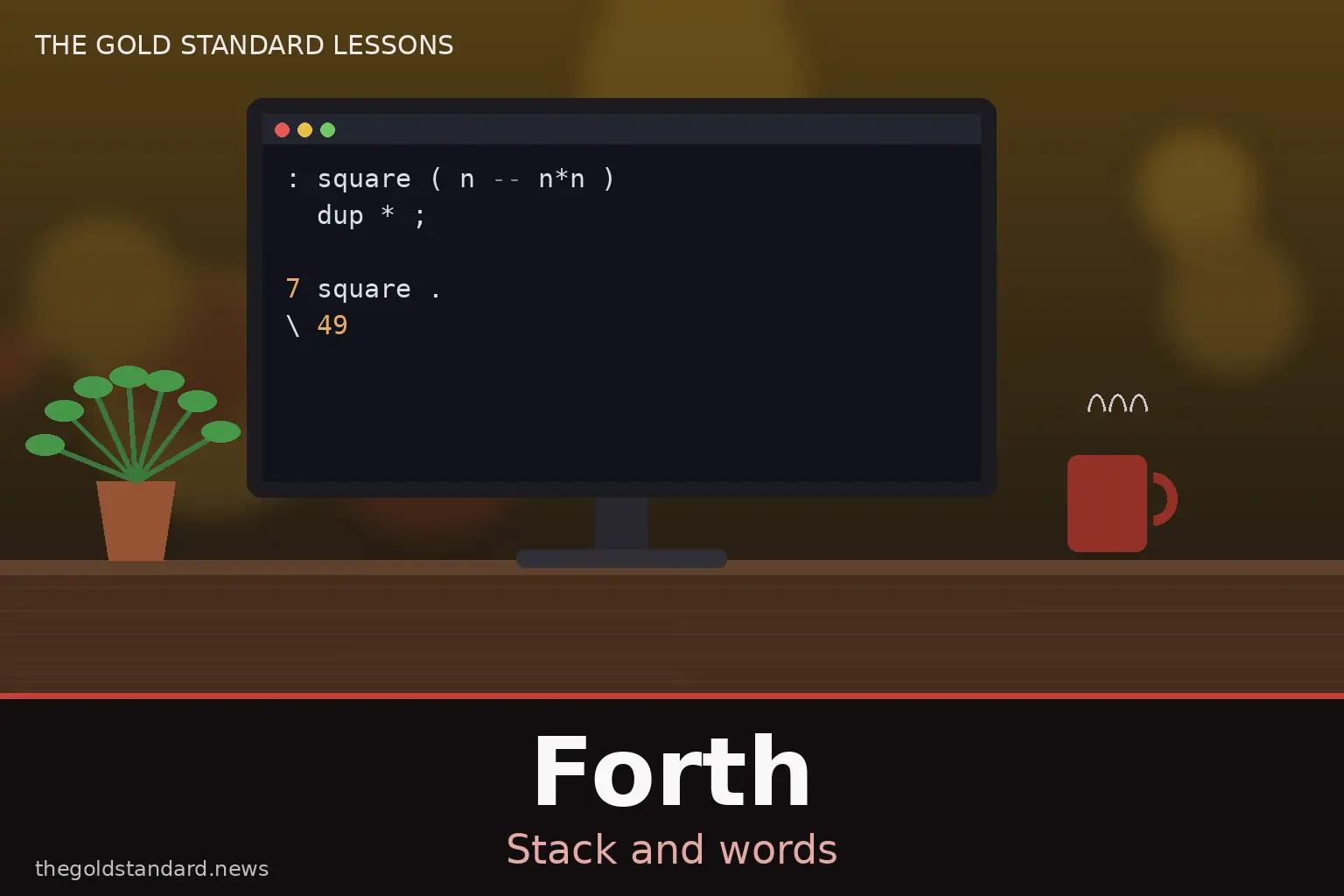
Lesson 2
COMPILE, :NONAME and RECURSE
Build anonymous definitions with :noname, append calls with compile, inside [ ], and let a word call itself with recurse.
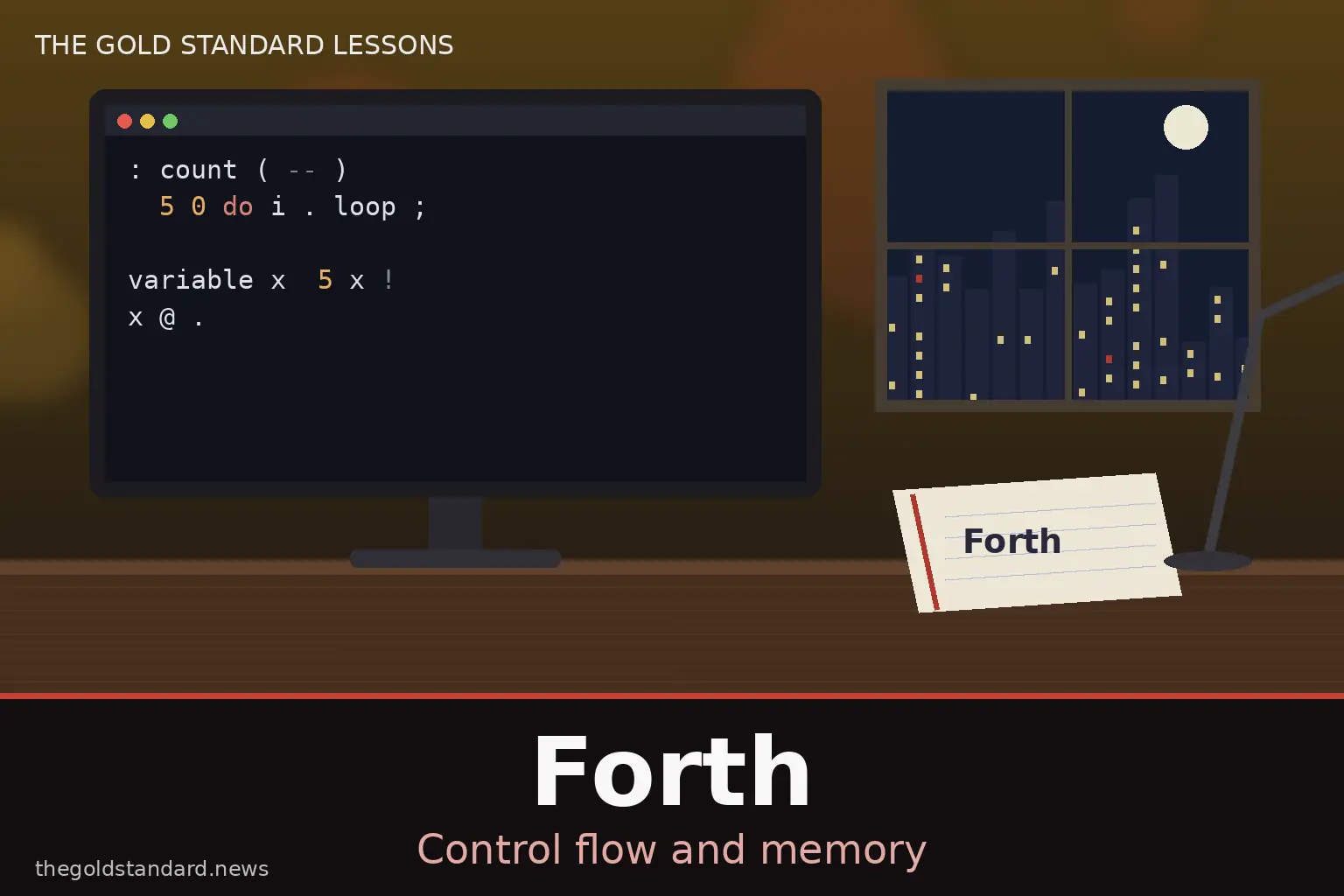
Lesson 3
POSTPONE in depth: writing compiler macros
Use postpone in immediate words to compile ordinary calls, reuse immediate control words, and bake compile-time values with postpone literal.
Lesson 4
CREATE DOES> patterns: counters, arrays, tables
Write defining words whose children keep state, index arrays, hold counted strings, or read in-line tables.
Lesson 5
Parsing words: PARSE-NAME, PARSE, >IN, EVALUATE
Read words and delimited text from the input stream, rewind with >in, take the rest of a line with source, and run strings with evaluate.
Lesson 6
Heap memory: ALLOCATE, RESIZE, FREE
Allocate growable buffers on the heap, extend them with resize, copy bytes with move, and release them with free.
Lesson 7
Strings in depth: COMPARE, SEARCH, /STRING
Order strings with compare, find substrings with search, trim with -trailing and /string, copy with cmove, and split on a delimiter.
Lesson 8
Double-cell numbers and mixed arithmetic
Write double literals, extend with s>d, add with d+, multiply with m*, divide with um/mod, fm/mod and sm/rem, and scale safely with */.
Lesson 9
Introspection: name tokens, >BODY, MARKER, SEE
Look up words by name with find-name, turn name tokens into strings and xts, roll back definitions with marker, and decompile with see.
Lesson 10
A mini-language: a robot DSL with a wordlist
Combine create does>, a private wordlist, set-order and catch to run small command scripts safely from strings.
Sample certificate
Certificate of completion
Sign in to claim your certificate of completion.
Certificate
Finish all ten lessons, then sign in
Pass every lesson on this device (quizzes and checks). Then sign in or create an account to type your name and download the JPG.