The text interpreter reads from an input source: the terminal, a file being included, or a string passed to evaluate. source-id tells you which: 0 for the terminal, -1 for an evaluate string, and a file id for a file.
Forth Expert · Lesson 1 · On the house
SAVE-INPUT, RESTORE-INPUT and nested sources
Tell file, string and terminal input apart with source-id, snapshot the input position with save-input, and replay text with restore-input. Lesson 1 is free — on the house.
Lessons · Forth Expert · Lesson 1 of 10 · On the house
SAVE-INPUT, RESTORE-INPUT and nested sources
Tell file, string and terminal input apart with source-id, snapshot the input position with save-input, and replay text with restore-input.
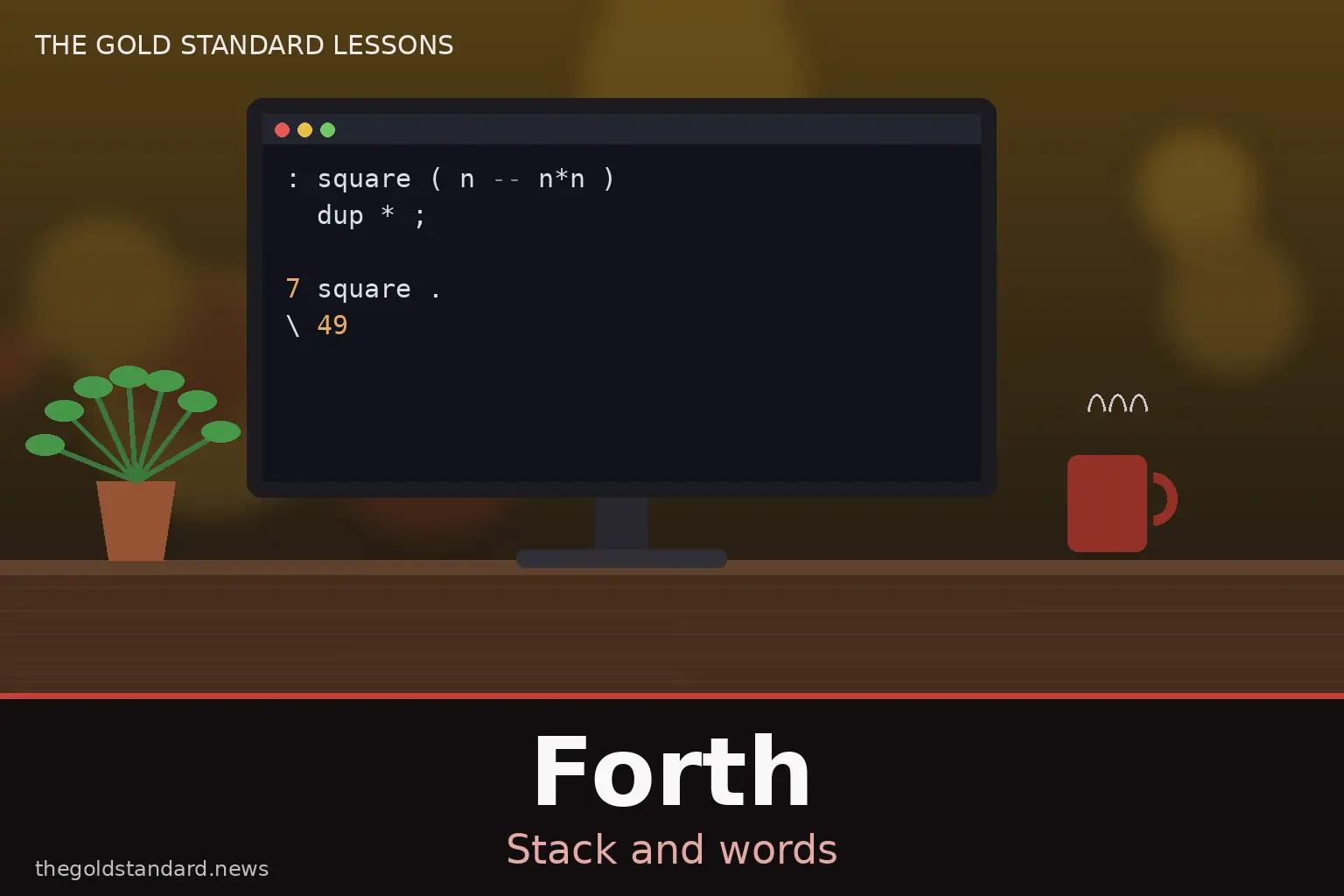
evaluate pushes a new source and pops it when the string ends, so sources nest. In the still, inner evaluates 10 20 + while the outer string inner 2 * is still active, and both finish cleanly to give 60.
save-input ( -- xn ... x1 n ) leaves an implementation-defined set of cells describing the current position, with their count on top. Gforth 0.7.3 uses 5 cells for a file and 2 for a string.
restore-input ( xn ... x1 n -- flag ) goes back to that position and returns false on success. Interpretation resumes straight after the save-input that made the snapshot, so restore-input throw is the usual call.
Because the jump lands after save-input, the snapshot is not taken again. To replay the same text many times, store the cells once (mark copies them into spot) and push them back before each restore-input (back).
[if] evaluates its flag at once and reads the rest of the line as normal text, so n @ 3 < [if] back [then] is an interpret-time loop: the line after mark runs three times and prints 0 1 2.
Snapshots only work within the same source: restoring a file snapshot while a string is the current source is an ambiguous condition in ANS Forth. Keep mark and back in one file or one evaluate string.
save-input restore-input
: ndrop ( xn..x1 n -- ) 0 ?do drop loop ;
: kind ( -- ) source-id dup -1 = if drop ." string" else 0= if ." terminal" else ." file" then then cr ;
kind
s" kind" evaluate
create spot 8 cells allot
: mark ( -- ) save-input dup spot ! 0 ?do spot i 1+ cells + ! loop ;
: back ( -- ) spot @ 0 ?do spot spot @ i - cells + @ loop spot @ restore-input throw ;
variable n  0 n !
mark n @ . 1 n +! n @ 3 < [if] back [then] cr
s" mark n @ . 1 n +! n @ 6 < [if] back [then]" evaluate cr
: inner ( -- n ) s" 10 20 +" evaluate ;
s" inner 2 *" evaluate . cr
save-input dup . ndrop cr
s" save-input dup . ndrop" evaluate cr
depth . cr
Quiz
Quiz
Quiz
Quiz
Check
Match the still for: SAVE-INPUT, RESTORE-INPUT and nested sources.
Open-book: the answers are on this page. Pass every quiz and check (5) to mark the lesson done. This visit: 0/5.